
EnvVault — Environment variables in Keychain
EnvVault helps Mac developers organise API keys, tokens, and environment variables in macOS Keychain. Track rotations and review copy or export warnings, with local storage by default and optional encrypted iCloud sync.
Download the app ↓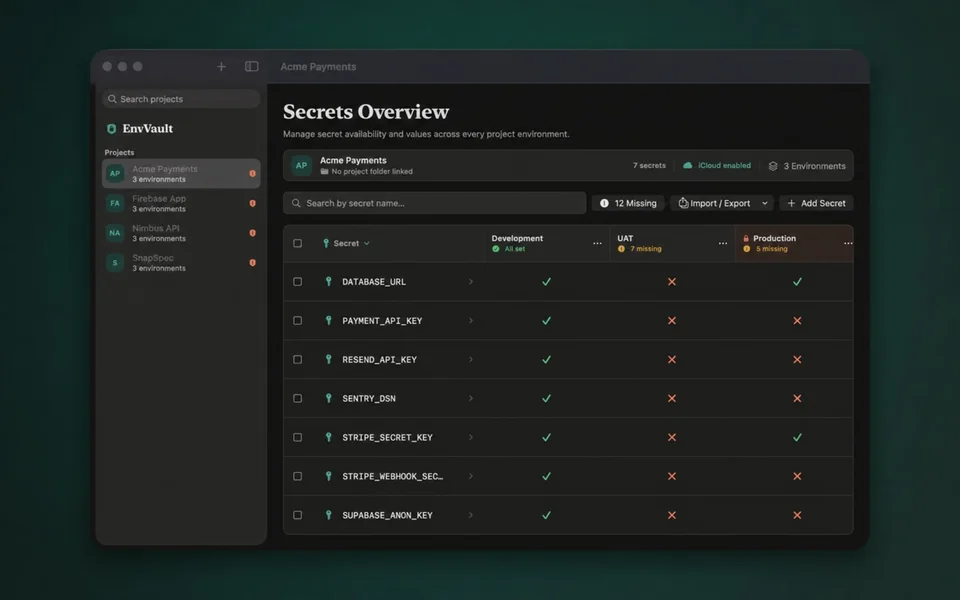
No account. iCloud optional. Pay once.


Questions
Where does EnvVault store secret values?
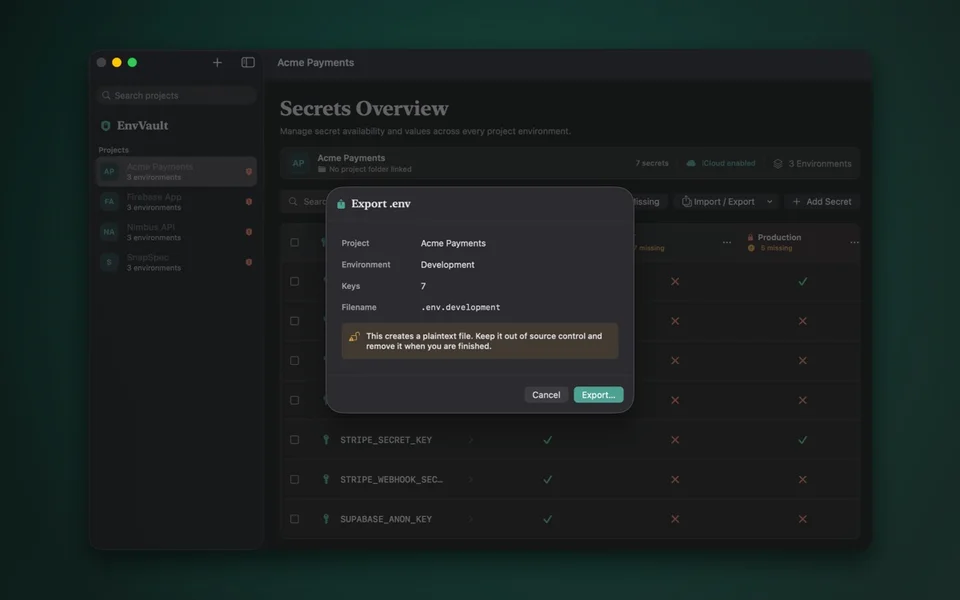
Local secret values are stored in macOS Keychain. Copying a secret places it on the clipboard; exporting creates a plain-text .env file. Protect exported files and review where you paste or share values.
How does optional iCloud sync differ from local storage?
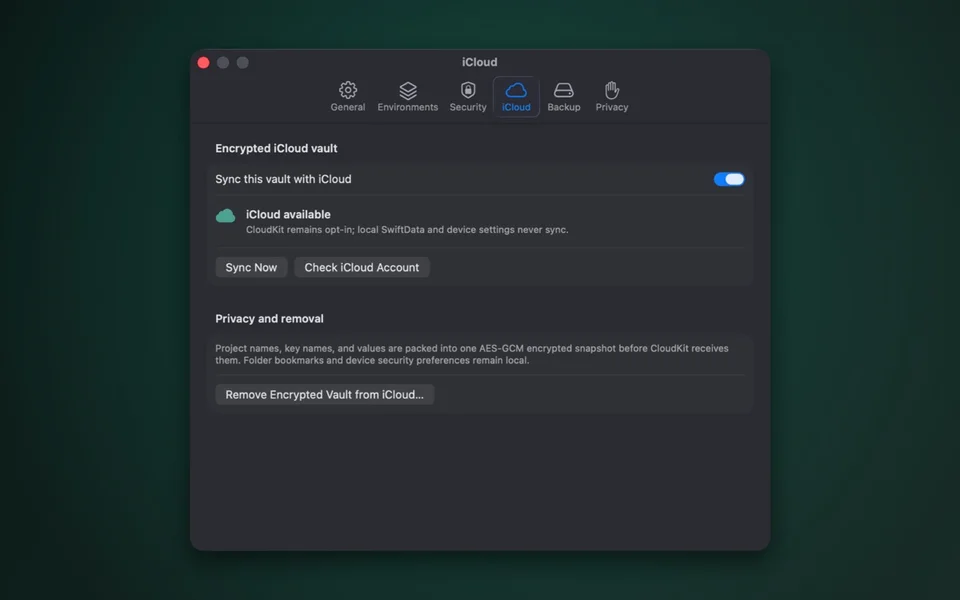
Local use does not require an EnvVault account or iCloud sync. If you enable sync, EnvVault encrypts the vault on your Mac and uploads the encrypted copy to iCloud for use across your Macs. Cloud sync is an explicit option, separate from local Keychain storage.
Can the warnings prevent every accidental commit?
No. Production confirmations, clipboard clearing, and .gitignore checks help reduce risk. They do not guarantee that secrets cannot be copied, disclosed, or committed; review your files, repository changes, and access permissions yourself.
Works with
Independent apps from Auralitho for the other jobs on your list.


Try EnvVault
Organise developer secrets and review risks before copying or exporting them.