
FoodLens — Recipes, pantry and meal plans
FoodLens brings recipes, pantry records, meal plans, and shopping lists together on iPhone and iPad running iOS 27 or iPadOS 27. Plan dinner from what you have, adapt a recipe, and follow guided cooking one step at a time.
Download the app ↓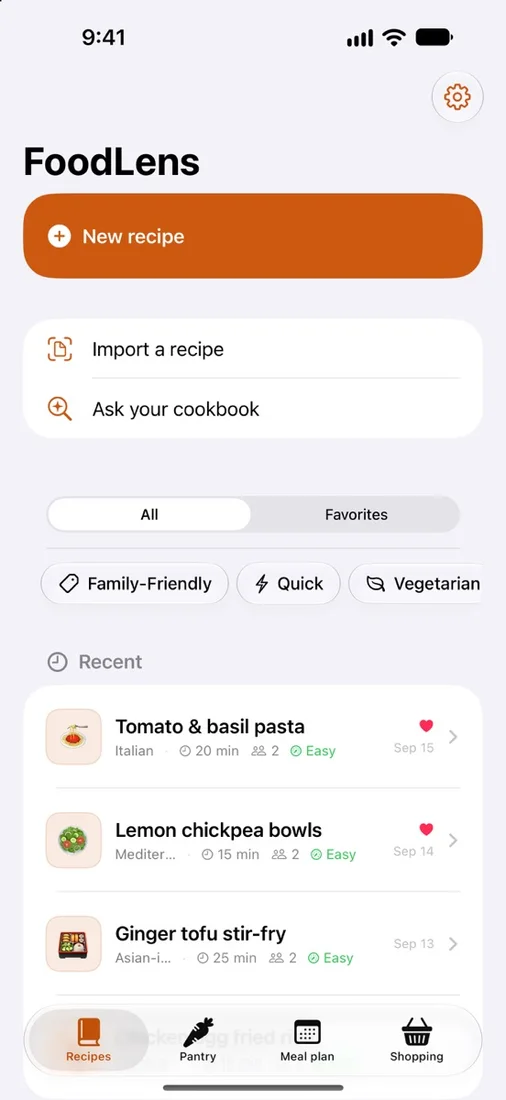 Keep your next dinner handySave favourites, import recipes, and search your own cookbook.
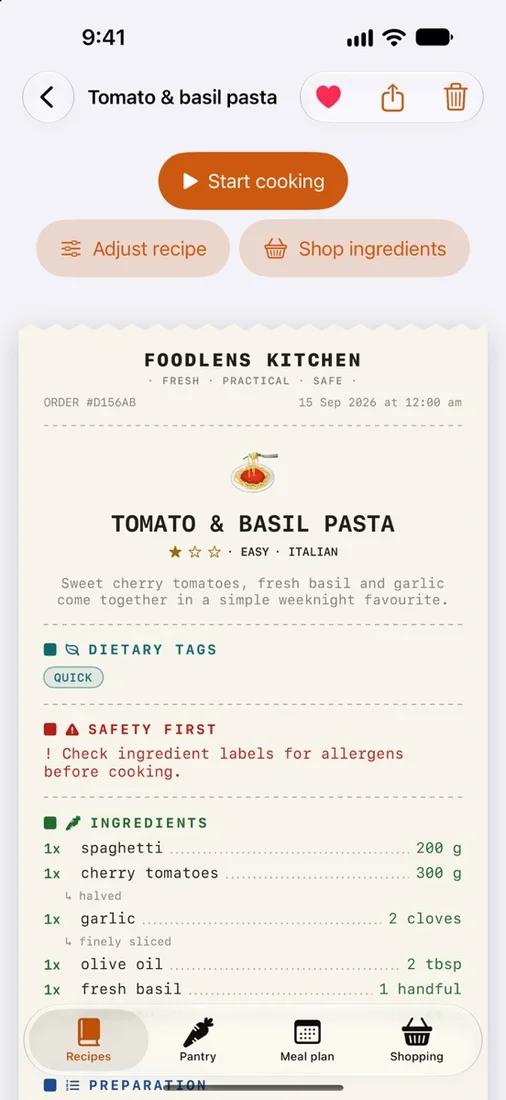 Go from recipe to cookingReview ingredients, adjust a recipe, or start guided cooking.
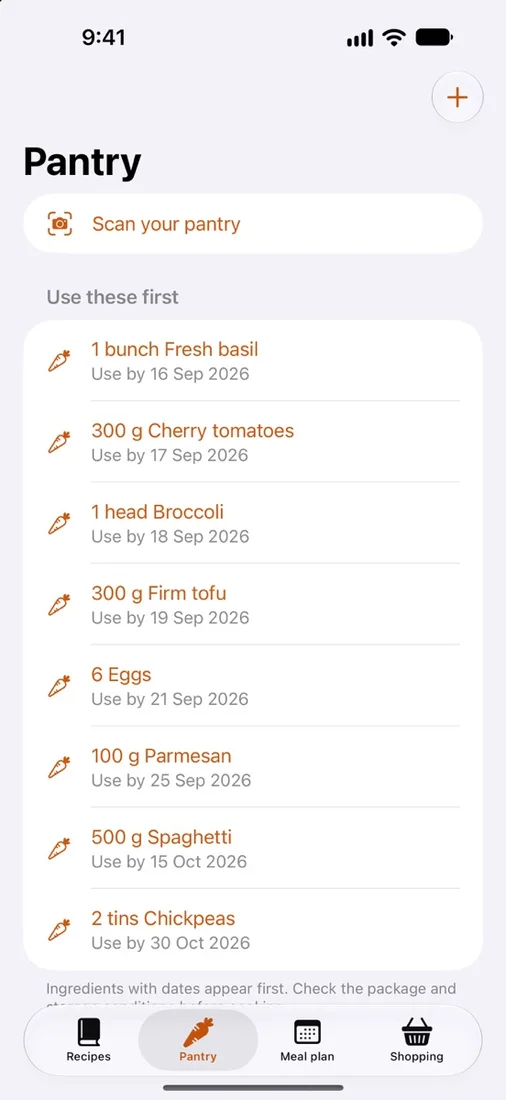 Plan around what you haveKeep pantry quantities and optional use-by dates in one place.
Select a screenshot to view it full size.
No account. Choose on-device or Apple cloud AI. Pay once.


Questions
Where are my recipes and photos processed?
Saved recipes, pantry records and selected ingredient images, meal plans, shopping lists, and cooking progress stay on your device. By default, AI prefers Apple Private Cloud Compute when available; relevant photos, recipe text, pantry details, and requests may be processed by Apple’s private cloud service. Choose On-device only in Settings to keep requests and photo processing local. FoodLens needs no account and has no ads or third-party analytics.
Which devices and languages does FoodLens support?
FoodLens requires iOS 27 or iPadOS 27 and is designed for iPhone and iPad, with English and Simplified Chinese in the app. AI features require compatible hardware, enabled Apple Intelligence, and available models. Cloud processing also requires an internet connection and service availability.
Can I use FoodLens without AI?
Yes. Manual recipe entry, pantry records, meal planning, and shopping lists remain available without AI. Recipe creation, adjustments, import structuring, and meal suggestions depend on model availability. Generated recipes and photo recognition can contain mistakes: review drafts, ingredient labels, allergens, and cooking temperatures before cooking. FoodLens does not provide medical or dietary advice.
Works with
Independent apps from Auralitho for the other jobs on your list.


