
Job Clock — Wrist-first job time tracker
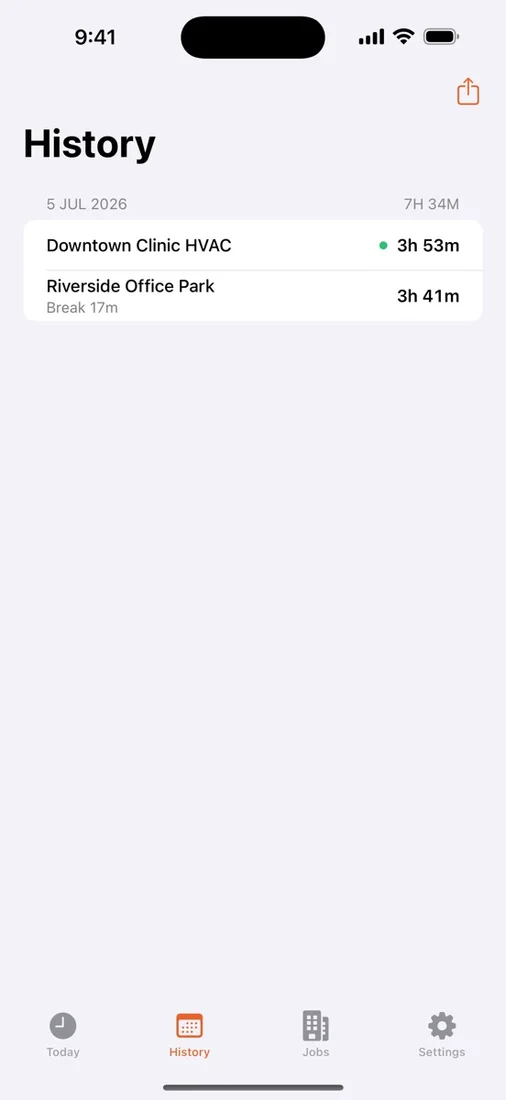
Job Clock helps mobile workers record time and attendance from Apple Watch or iPhone. Track punches and breaks for one job for free, with Pro required for history access, unlimited jobs, CSV export, and CloudKit sync.
Download the app ↓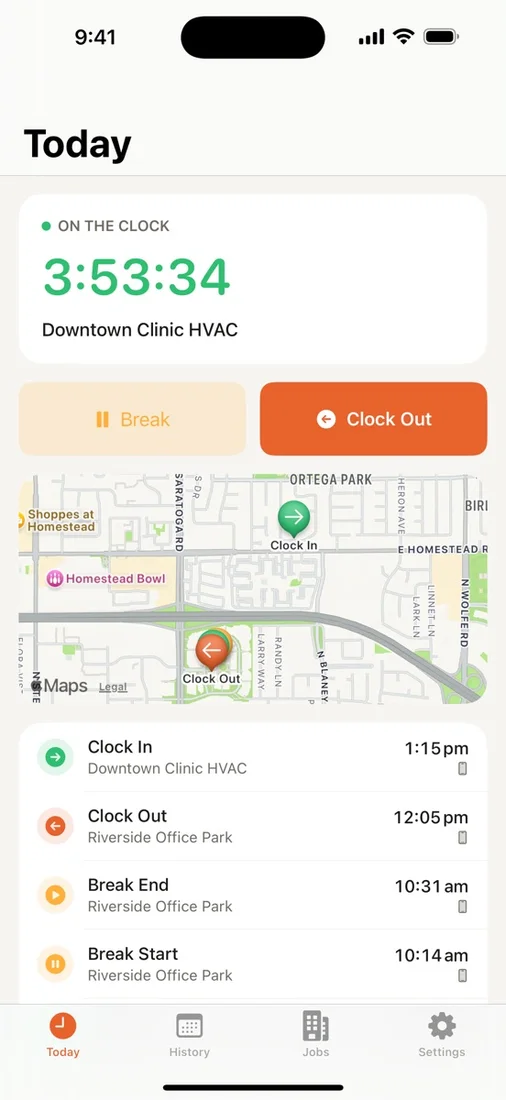
No account. iCloud sync with Pro. Start free.
- Free time tracking
- Track one job, including punches, breaks, and optional one-shot location on iPhone or Apple Watch. All history access requires Pro.
- Pro Monthly
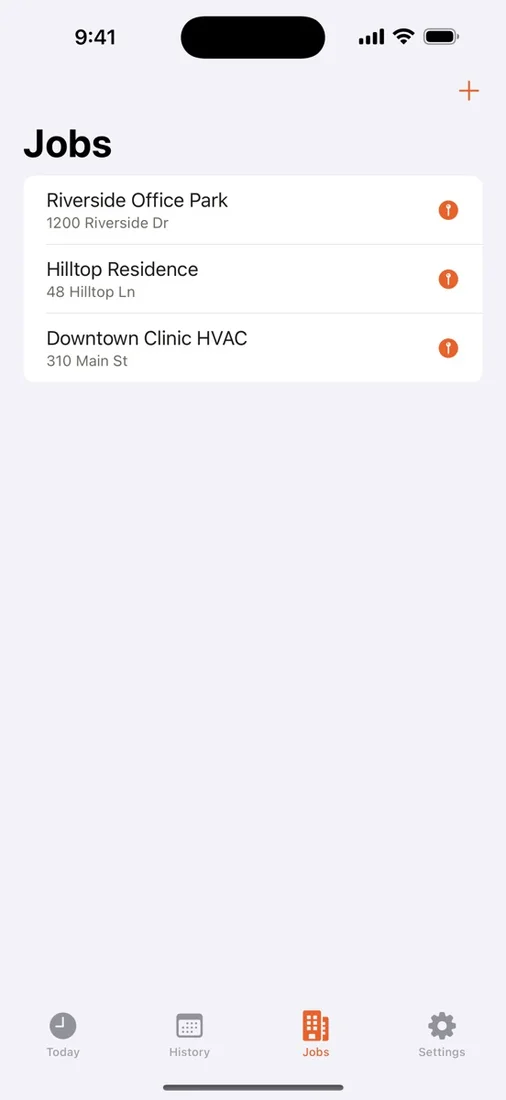
- An auto-renewing monthly subscription unlocks history access, unlimited jobs, CSV export, and CloudKit sync.


Questions
What can I do for free?
The free download includes one job, punching on iPhone or Apple Watch, unpaid breaks, and optional one-shot location. All history access requires Pro, along with additional jobs, CSV export, and CloudKit sync.
What does Pro include?
Pro Monthly is an auto-renewing monthly subscription that unlocks history access, unlimited jobs, CSV export, and CloudKit sync. There is no free history tier. The App Store purchase screen shows the current price and subscription terms before you subscribe.
Can I clock in offline without continuous location tracking?
Yes. Punches save locally on your iPhone or Apple Watch, and paired devices sync when available. Location is optional and requested only when you punch; Job Clock never runs continuous background location tracking.
Works with
Independent apps from Auralitho for the other jobs on your list.


Try Job Clock
Clock in from your Apple Watch, with history and CSV export available through Pro.