← All apps
iOS
RetroCam — Live analog camera
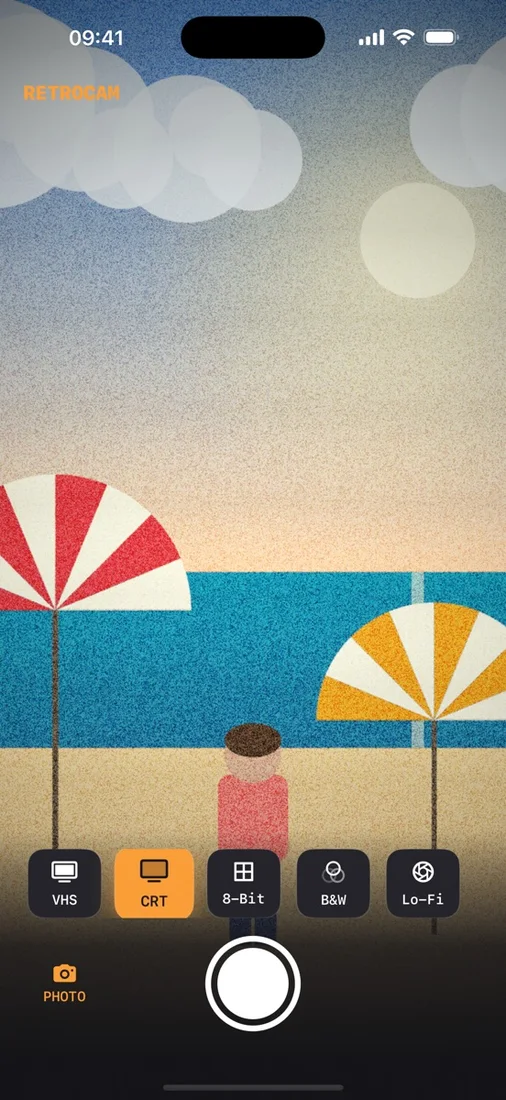
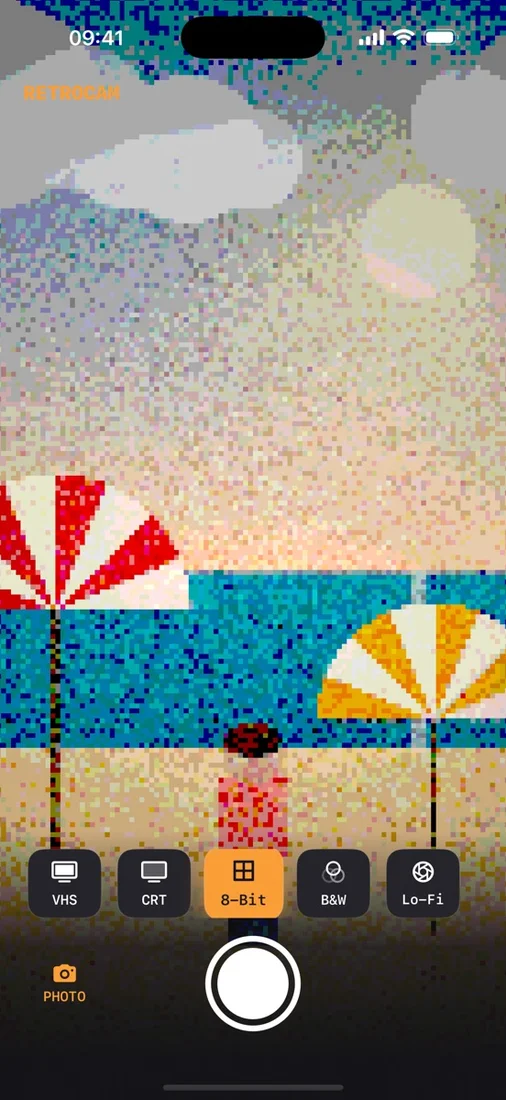
RetroCam puts five authentic analog filters right in your camera viewfinder — live, in real time, before you tap the shutter. No editing app, no timeline, no AI smoothing: the filter is baked into your photo or video the moment it’s captured.
Download the app ↓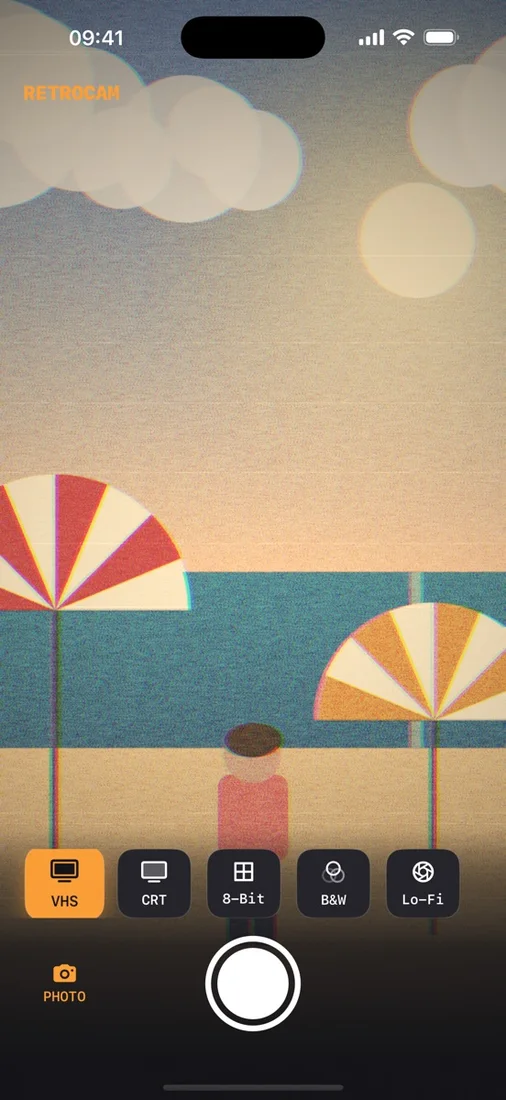
No account. No cloud. Pay once.


Questions
Are the filters applied live or after?
Live, on the viewfinder, before you tap the shutter — the effect is baked into the photo or video at capture. You can still toggle filtered vs original on the result screen.
Can I share straight to social apps?
Yes. Save to your camera roll or share straight to TikTok, Instagram, BeReal, or anywhere via the iOS share sheet.
What does RetroCam access?
Only your camera, microphone (for video), and add-only Photos access to save. No account, no internet, no tracking.
Works with
Independent apps from Auralitho for the other jobs on your list.


