
BillBot — Bill & subscription tracker
BillBot brings bills, subscriptions, and daily expenses into one clear view. Set due-date reminders, catch upcoming renewals, and see where your money goes.
Download the app ↓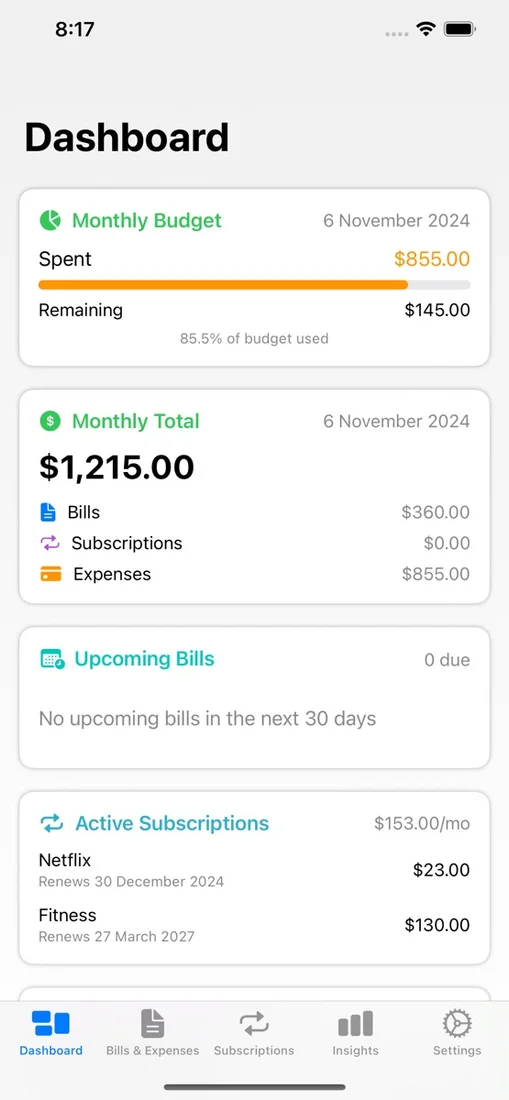
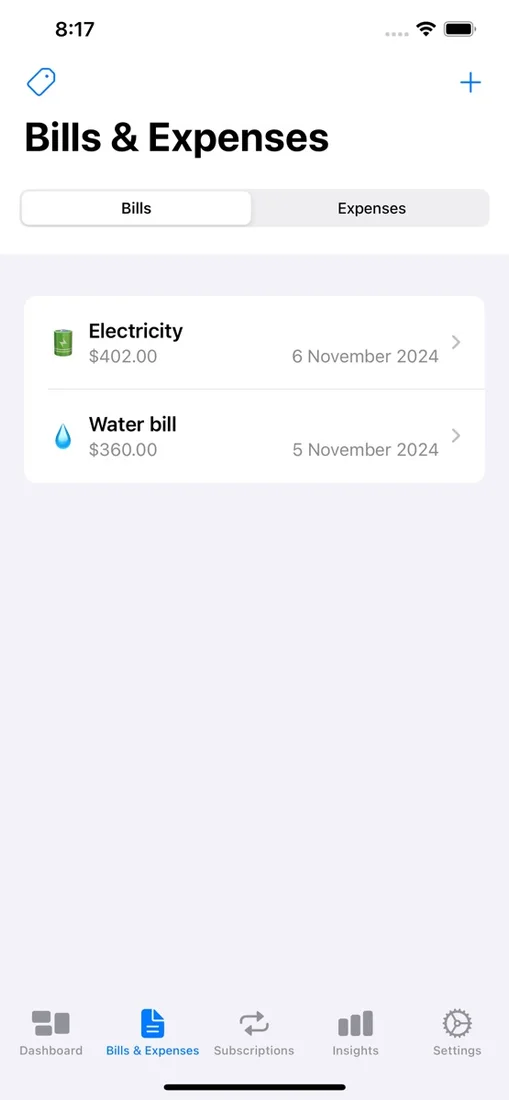
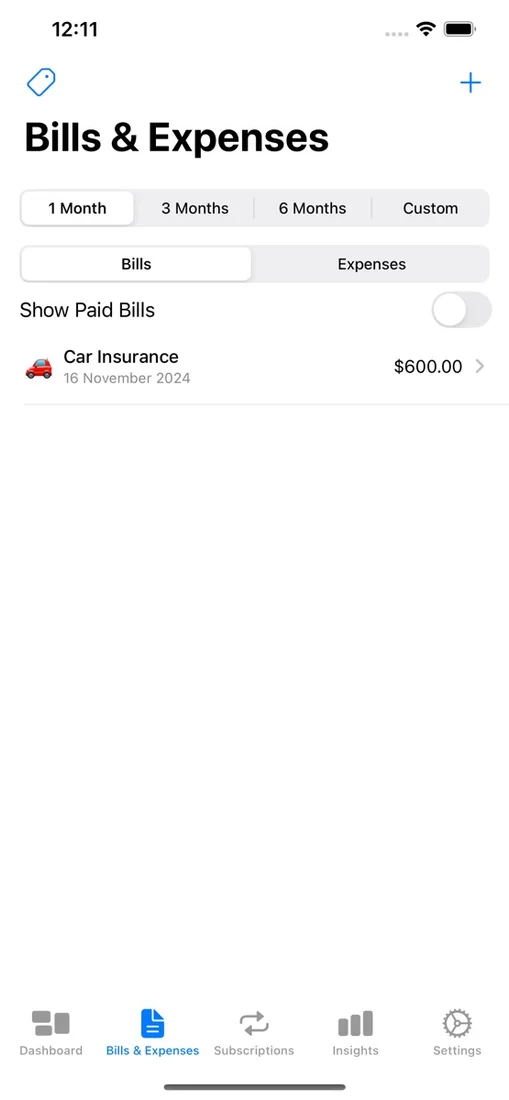
No account. Private iCloud sync. Pay once.


Questions
Do I need to create an account?
No. BillBot uses your existing Apple ID — there is no separate account or login, and your financial data syncs through your own private iCloud.
Can it remind me before subscriptions renew?
Yes. BillBot tracks each subscription’s billing cycle and sends a local notification before the next charge, so you can cancel in time if you want to.
Where is my data stored?
Your bills, subscriptions, and expenses are stored on your device and in your private iCloud. Crash and performance diagnostics are handled by Sentry to fix bugs — see the privacy policy for details.
Works with
Independent apps from Auralitho for the other jobs on your list.


