← All apps
Android
CodeKeep — Offline QR & barcode toolkit
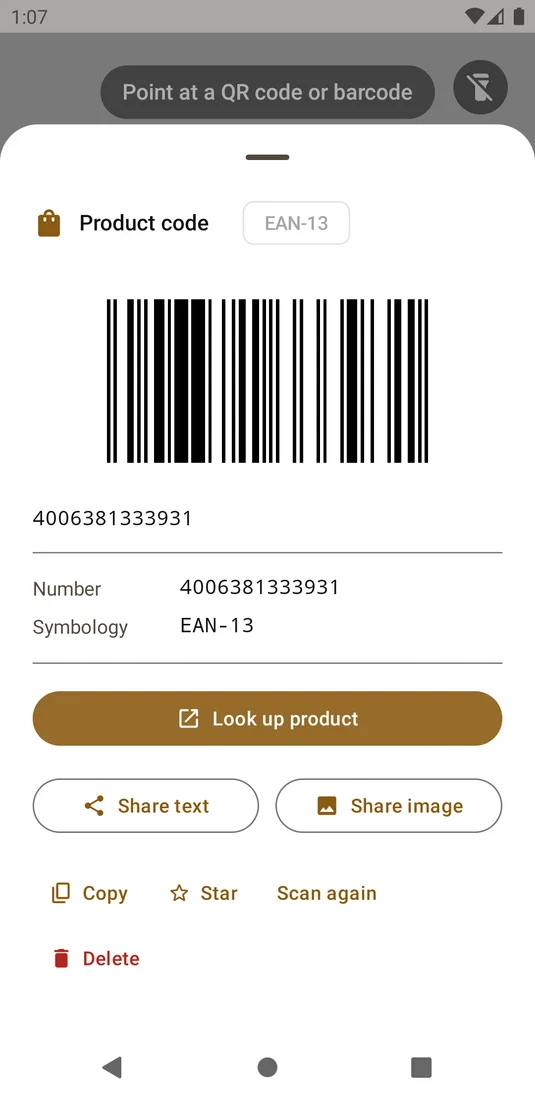
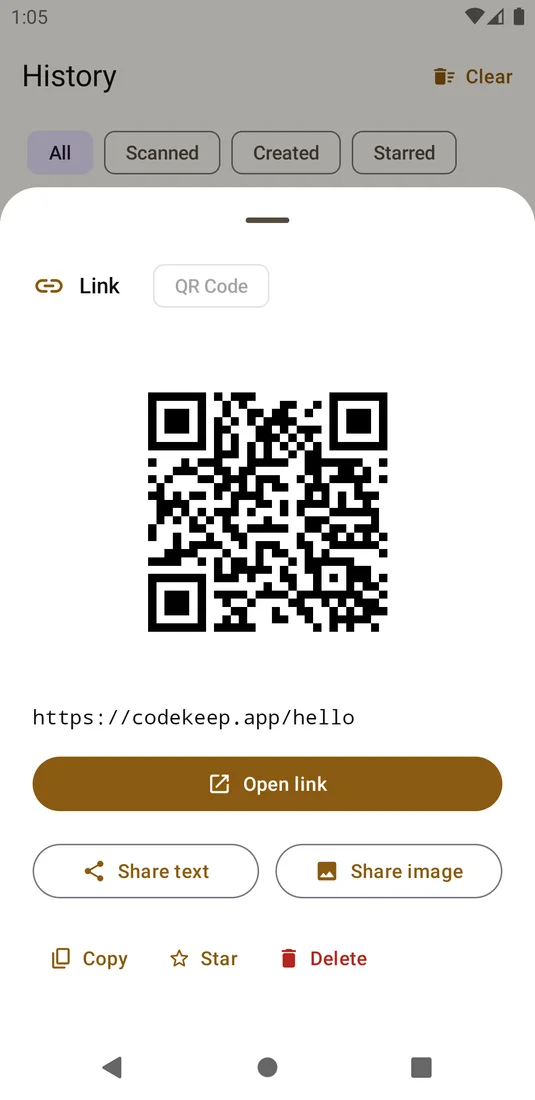
CodeKeep brings QR scanning, barcode creation, and a saved code library to Android. Use your camera or an existing image, generate codes for everyday information, and keep your history on your device.
Download the app ↓
No account. No cloud. Pay once.

Questions
Does CodeKeep need a connection?
No. Scanning, generating, and saving codes work offline on your Android device.
Where is my code history kept?
Your history is stored locally on your device. CodeKeep has no internet permission or cloud account.
Can I read a code from a saved picture?
Yes. Import an image to read its code, or scan directly with the camera.
Works with
Independent apps from Auralitho for the other jobs on your list.


Try CodeKeep
Scan, create, and keep useful codes close at hand, even offline.