GateKey app icon

GateKey

Lock-screen codes you glance.

Your gate code, right on the Lock Screen.

Download on the App Store
?

The Problem

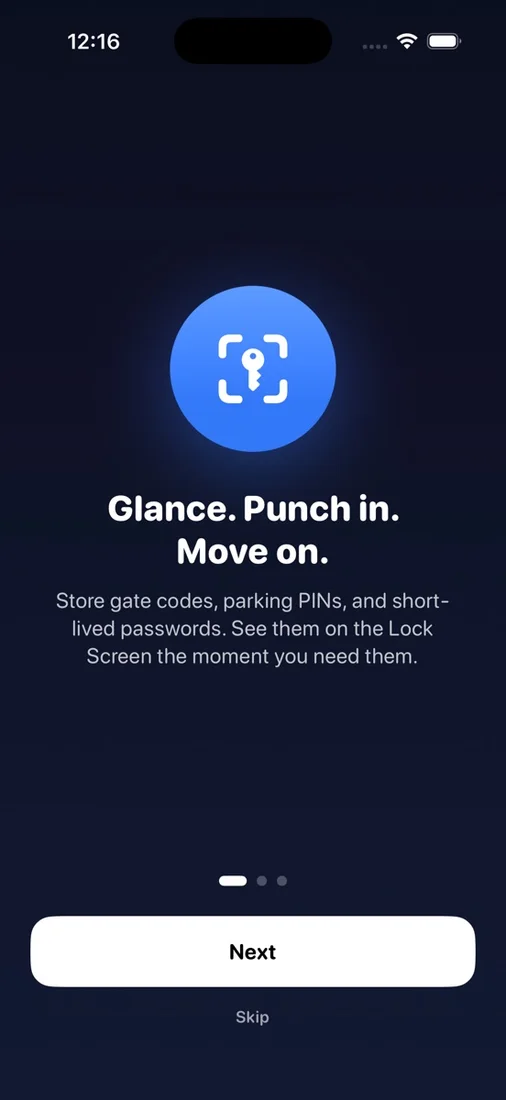
Carrying groceries. Holding a kid. Sitting in the rain at a darkened gate. You can't remember the code and your phone is buried in your pocket.

The Solution

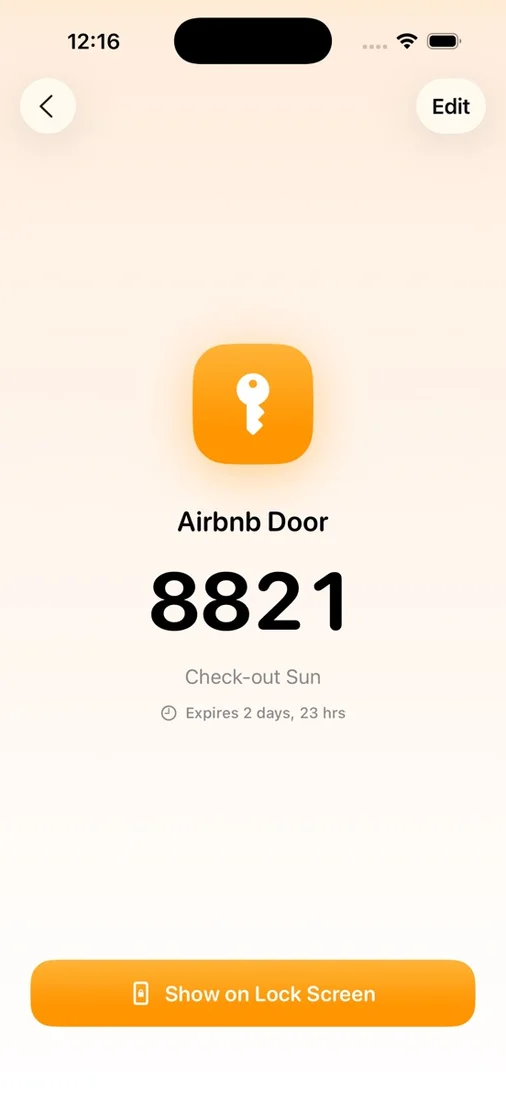
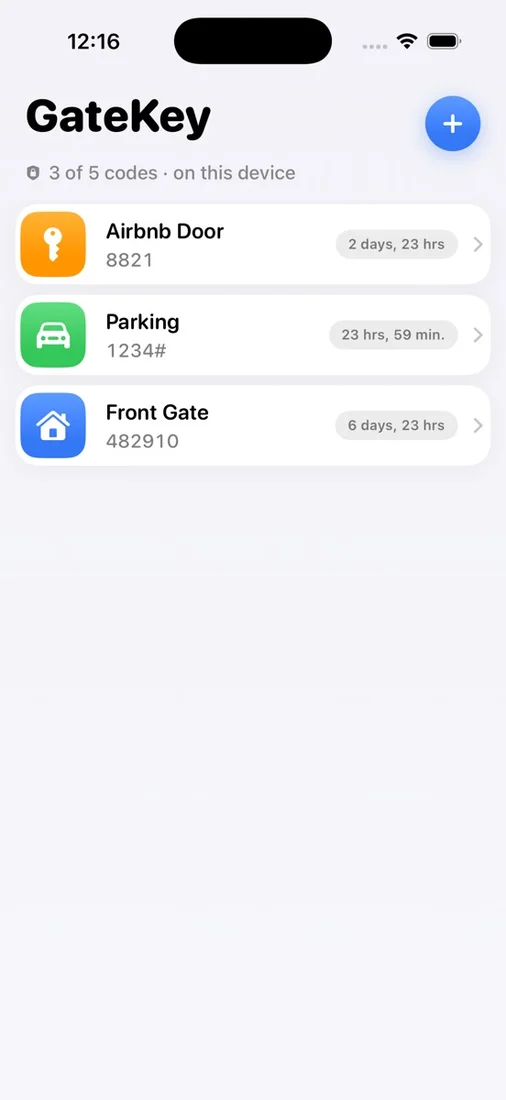
Store your codes, pick an icon and colour, and start a Live Activity. The code appears on your Lock Screen — glance, punch in, done. Codes auto-expire and stay in the Keychain.

What you get

Live Activity

Code appears on your Lock Screen when you need it.

Auto-expire

Set codes to expire after 1 hour, 6 hours, or 24 hours.

Custom icons & colours

Quickly identify which code is which.

Keychain storage

Codes are encrypted and stored in the secure Keychain.

No iCloud, no accounts

Everything stays on this device.

No analytics

Zero tracking, zero data collection.

Questions

Is it secure?
Codes are stored in the iOS Keychain, the same place your passwords live.
Does it sync across devices?
No — by design. Codes stay on the device where you created them.
What kinds of codes can I store?
Gate codes, door codes, parking PINs, Airbnb access codes — any numeric code.

Try GateKey

Your gate code, right on the Lock Screen.

Download on the App Store