The Problem
Team project tools are heavy, online-only, and park your data on someone else’s servers behind yet another account. For a small team or a solo maker, that’s overkill — and it stops working the moment the connection drops.
The Solution
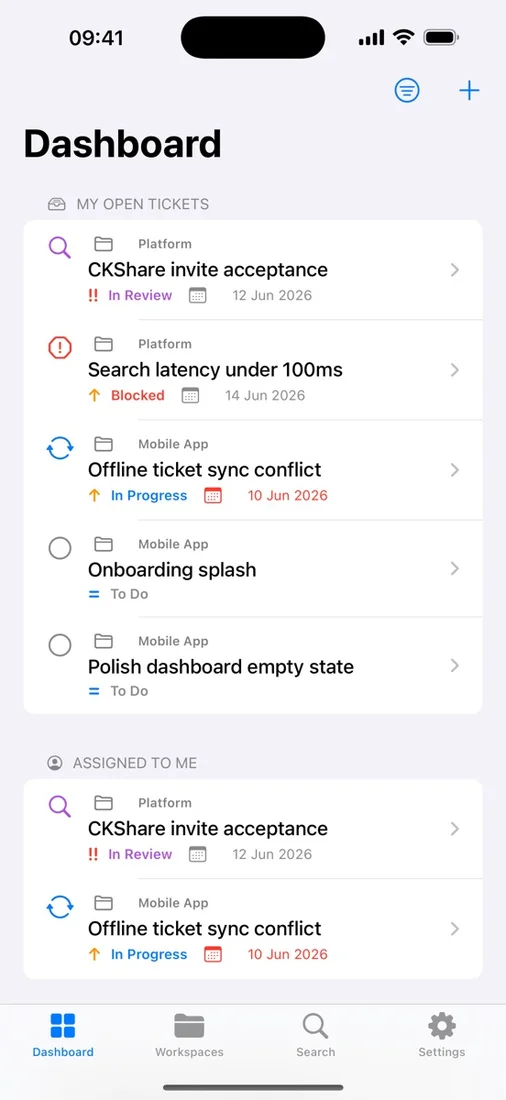
ProjectFlow gives you workspaces, tickets, comments, attachments, and a Kanban board that all work fully offline and sync through your own iCloud via CloudKit. Share a workspace with native CKShare — collaborators join with their Apple ID, no new accounts, and you keep ownership of the data.
What you get
Workspaces & projects
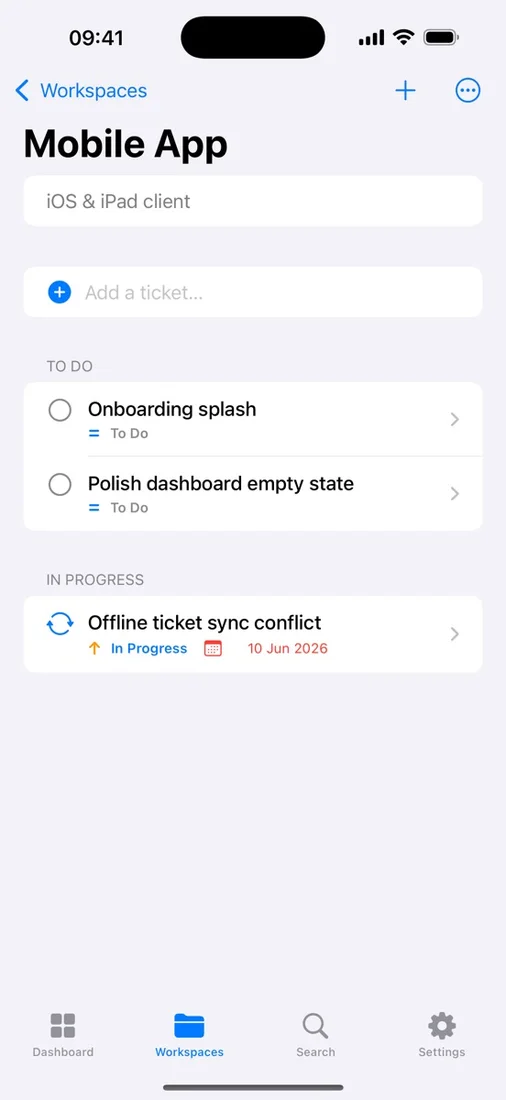
Organise work into projects inside shared workspaces, and archive finished projects without ever losing the data.
Rich tickets
Title, description, status, priority, assignee, and due date — plus a 30-day recoverable Trash for soft-deleted tickets.
Kanban board
On iPad in landscape and Mac, projects become a full board — drag tickets between columns to update status instantly.
Comments & attachments
Threaded comments with mentions, plus image and PDF attachments stored as CloudKit assets in your private iCloud.
Instant offline search
Full-text search across ticket titles, descriptions, and project names — results appear as you type, fully offline.
Private iCloud sync
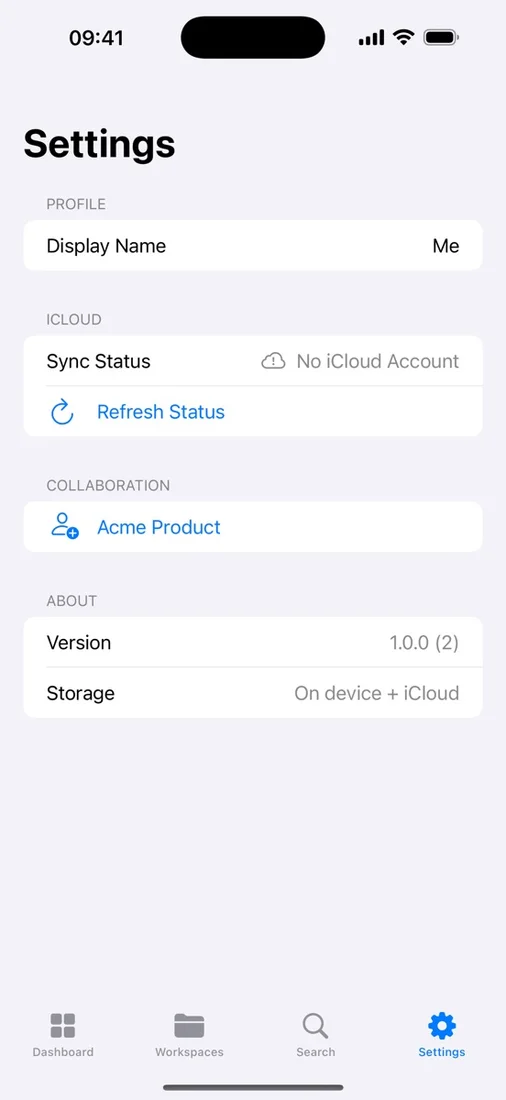
Everything syncs across your devices through your own CloudKit database — no backend, no analytics, no third-party SDKs.
Questions
- Where is my data stored?
- In your own private iCloud (CloudKit) and on your devices. ProjectFlow has no backend — we never see your workspaces, projects, or tickets.
- Can I collaborate with a team?
- Yes. Share a workspace using Apple’s native CKShare; collaborators join through their own Apple ID with no extra account to create.
- Does it work offline?
- Fully. Create, edit, and comment with no network — changes sync automatically when connectivity returns.