SplitCheck app icon
Android

SplitCheck

Rental inspection journal

Keep a clear photo record of your rental, from move-in to move-out.

Get it on Google Play
?

The Problem

Scattered photos and notes make it difficult to compare a rental property at move-in and move-out or put together a clear inspection record.

The Solution

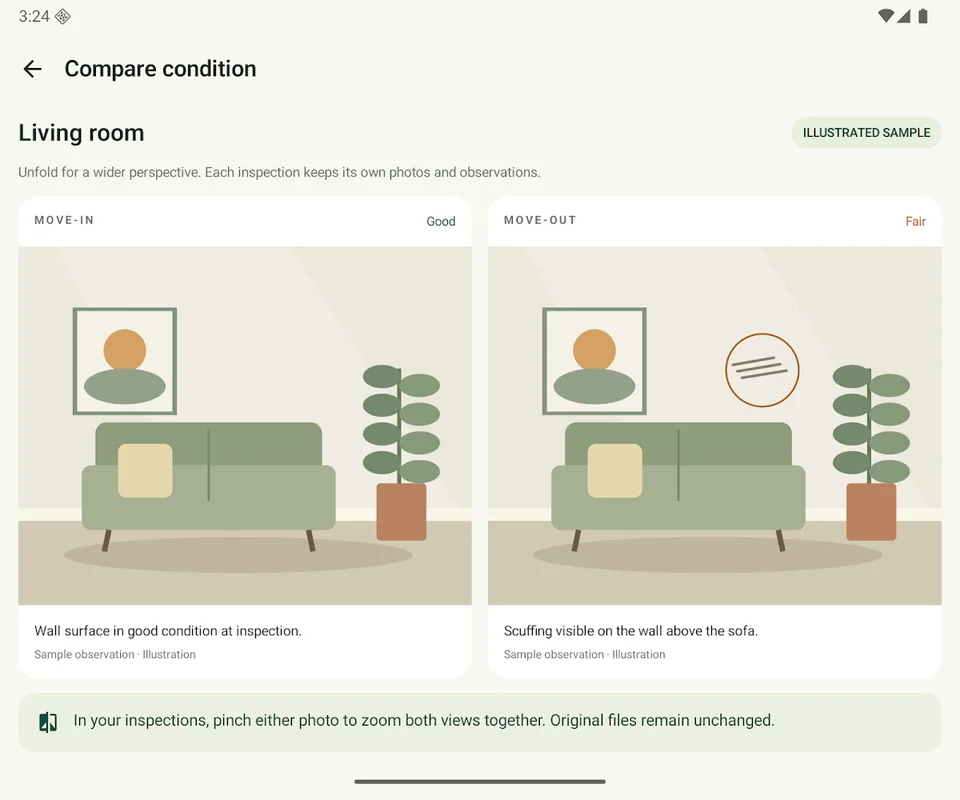
SplitCheck keeps room observations and photos together, lets you seal a read-only move-in baseline, and brings corresponding photos side by side for comparison. Export a PDF report or an evidence archive when you need to share your records.

What you get

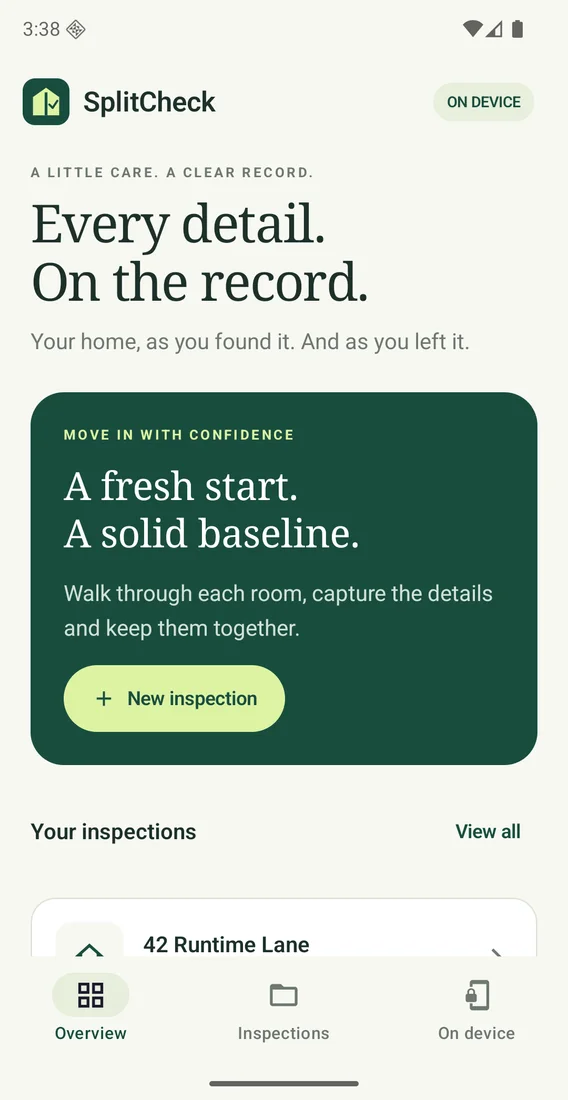
Record each room

Create a property with inspection dates and custom rooms. Capture or import photos, then add condition, surface, location, and issue notes.

Seal your baseline

Review an inspection before sealing it. Your move-in baseline stays read-only as you document move-out.

Compare inspections

Compare corresponding photos with linked zoom and pan, using layouts that adapt to phones, tablets, and supported folding-device postures.

Export your records

Create a PDF report or a ZIP with the report, original photos, inspection data, checksums, and history. Draft exports are labelled.

Keep records local

Inspection photos and notes stay in private app storage until you export them. No account, advertising, or cloud photo storage is required.

Optional description help

Use guided wording or optional on-device Gemini Nano photo descriptions on compatible devices. Review and edit generated descriptions before saving.

Questions

Where are my inspection records stored?
Photos and notes stay in private app storage until you export them. Export regularly: uninstalling the app or clearing its data removes the local library, and in-app restore is not available.
Do I need a device with Gemini Nano?
No. Manual and guided descriptions remain available without photo AI. Optional Gemini Nano descriptions require a compatible device and an initial model download. Google services may process technical diagnostics and usage metrics; see the privacy policy for details.
What can I share from an inspection?
Export a PDF report or an evidence ZIP containing the report, original photos, inspection data, checksums, and history. Draft exports are labelled.
What do inspection seals verify?
Seals and checksums help check consistency within a record. They do not independently authenticate authors or timestamps. SplitCheck does not certify compliance with local inspection requirements or provide expert damage assessments.

Try SplitCheck

Keep a clear photo record of your rental, from move-in to move-out.

Get it on Google Play