
FormKiosk AI — Offline form and survey kiosk
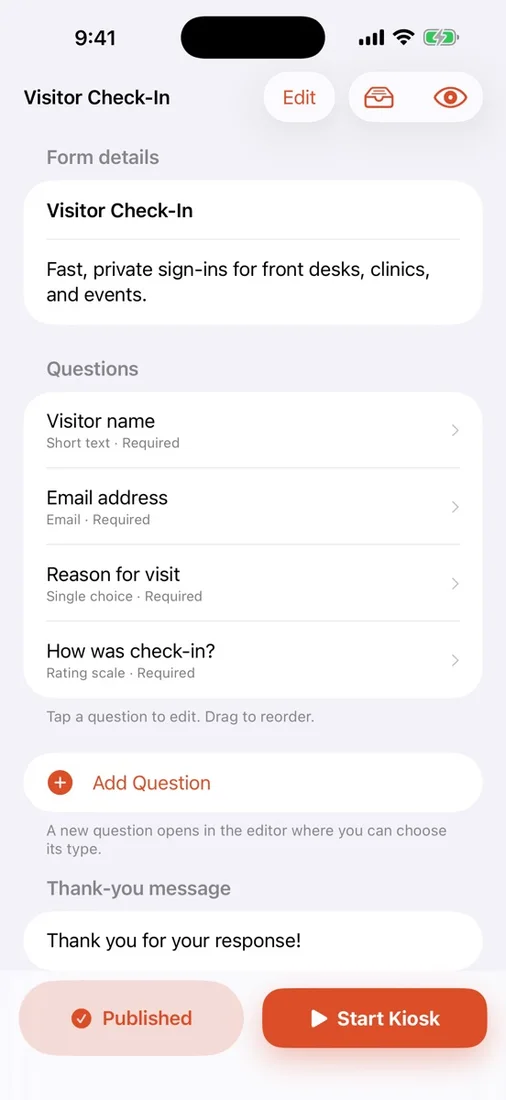
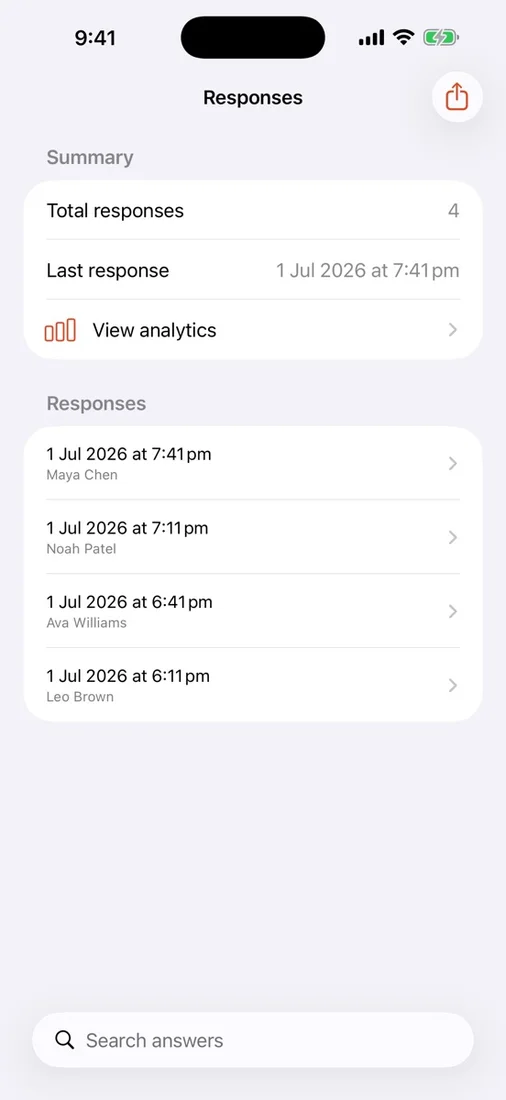
FormKiosk AI turns plain-language prompts into full-screen kiosk forms you can publish in one touch. Build business checklists, intake forms, and surveys that work on iPad offline-first, then review responses and export clean CSV data from the same app.
Download the app ↓
No account. No cloud. Start free.


Questions
Does FormKiosk AI work offline?
Yes. You can collect and stage responses offline, and continue using the core workflow even without reliable Wi-Fi.
Do I need to sign into an account?
No. The app is built for team workflows and stays privacy-first without requiring account sign-up.
Can I export submission data?
Yes. You can export completed responses as CSV for use in spreadsheets or your existing reporting systems.
Works with
Independent apps from Auralitho for the other jobs on your list.


Try FormKiosk AI
Create and publish form or survey kiosks on iPad with AI-generated question drafts.