PayPrep app icon

PayPrep

Roster-to-pay-sheet prep

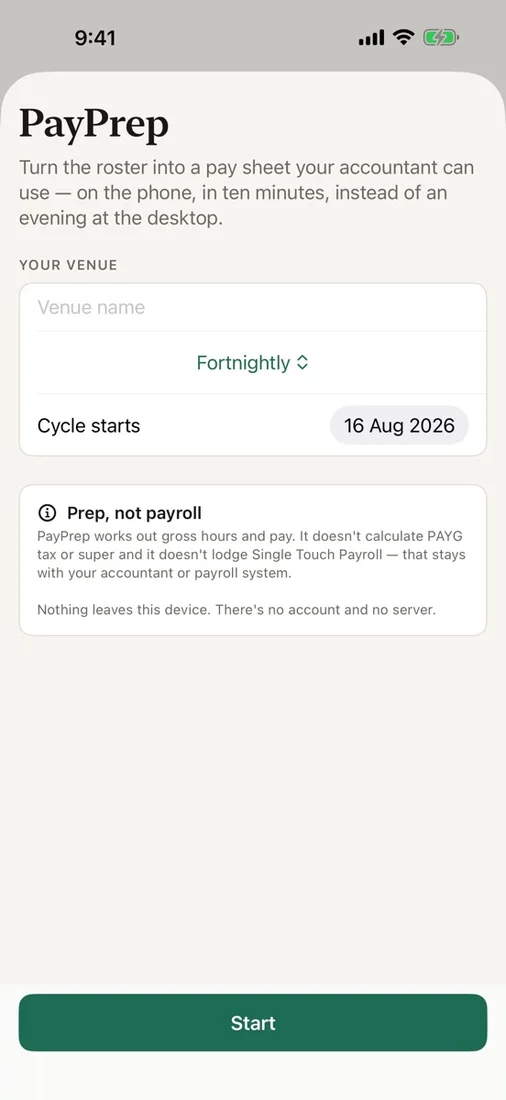
Turn the roster on your phone into a pay sheet you can hand to your accountant.

Download on the App Store
?

The Problem

Preparing payroll input from a roster means reconciling shifts, unpaid breaks, employment details, rate categories, and pay periods by hand. Overlaps or missing rates can easily reach the accountant and create another round of corrections.

The Solution

PayPrep keeps the roster and gross-pay preparation in one focused workflow. Enter the actual rates and shifts, review calculated hours and totals, resolve checklist warnings, then export both the summary and the audit trail behind it.

What you get

Build the working roster

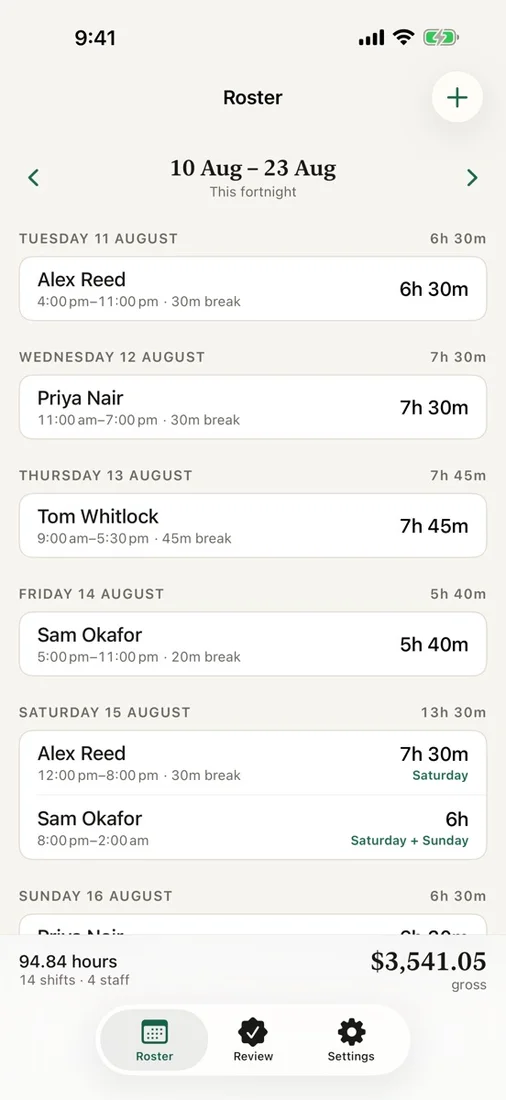
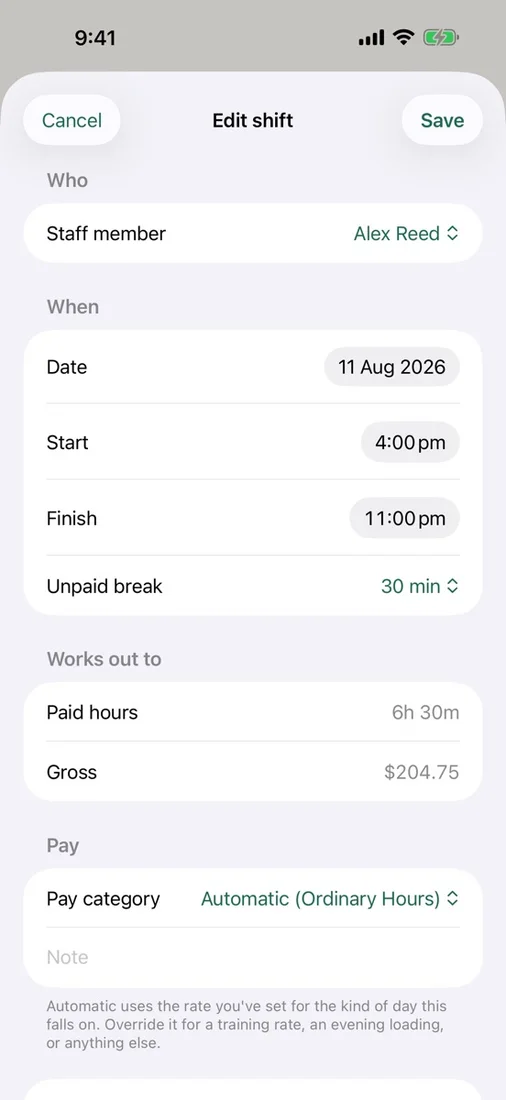
Add staff, payroll IDs, employment types, and actual base rates, then enter shifts, unpaid breaks, and one-off category overrides.

Flexible pay periods

Work weekly, fortnightly, or monthly using the venue’s time zone.

Your own rate categories

Set weekday, Saturday, Sunday, and public-holiday categories and review the calculated hours, rates, and gross totals.

Pre-export checks

Catch overlapping shifts, missing rates, and unmapped hours before any payroll preparation leaves the app.

Three useful CSV layouts

Export an accountant summary, detailed shift audit trail, or rows shaped for compatible Xero bridge workflows.

Private by design

Keep roster and pay data on your device, then create exports only when you choose and share them through Files or Apple’s share sheet.

Questions

Does PayPrep run payroll?
No. PayPrep prepares gross hours and gross pay. It does not interpret awards, calculate PAYG withholding or superannuation, or lodge Single Touch Payroll.
Does PayPrep connect directly to Xero?
No. It can create rows shaped for compatible Xero timesheet bridge workflows, but it does not connect to or submit data to Xero.
Which pay periods and rate categories can I use?
PayPrep supports weekly, fortnightly, and monthly periods in the venue’s time zone, with your own weekday, Saturday, Sunday, and public-holiday categories.
Where is roster and pay data stored?
Your data stays on your device. PayPrep has no account, cloud sync, backend, analytics, or tracking, and exports are created only when you choose.

Try PayPrep

Turn the roster on your phone into a pay sheet you can hand to your accountant.

Download on the App Store