The Problem
Small businesses need to know what is on the shelf and what needs reordering, but heavyweight inventory systems bring supplier, warehouse, account, and setup complexity that a straightforward stocktake does not need.
The Solution
Shelfcount keeps inventory simple. Scan or enter a product code, count stock, record deliveries and removals, set reorder points, and export the view you need while keeping the entire catalogue on your device.
What you get
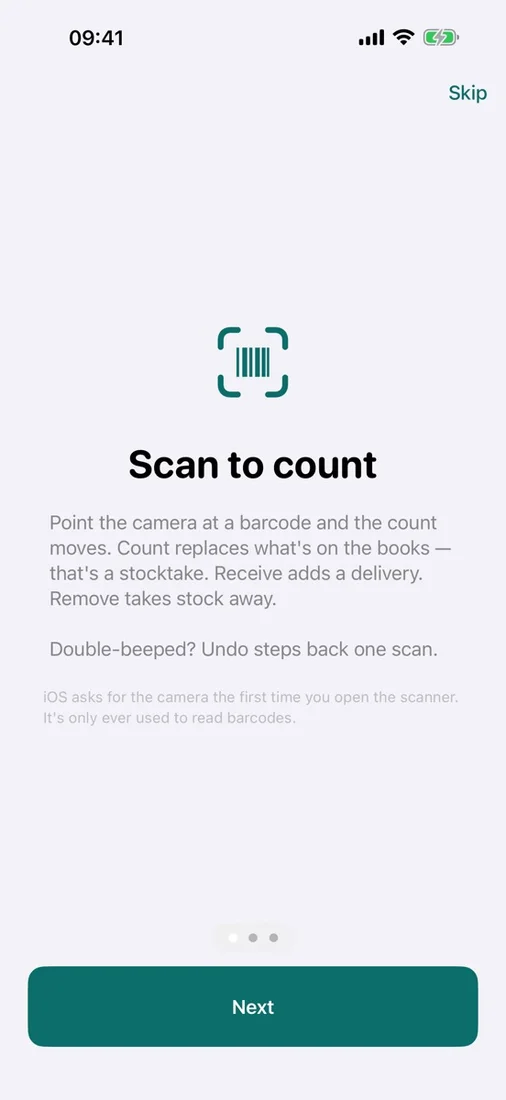
Scan to count
Use the camera for common retail and internal barcodes, or enter a code manually, with an undo action ready for the last scan.
Count, receive, or remove
Choose the right action for a stocktake, incoming delivery, or products that were sold, used, or discarded.
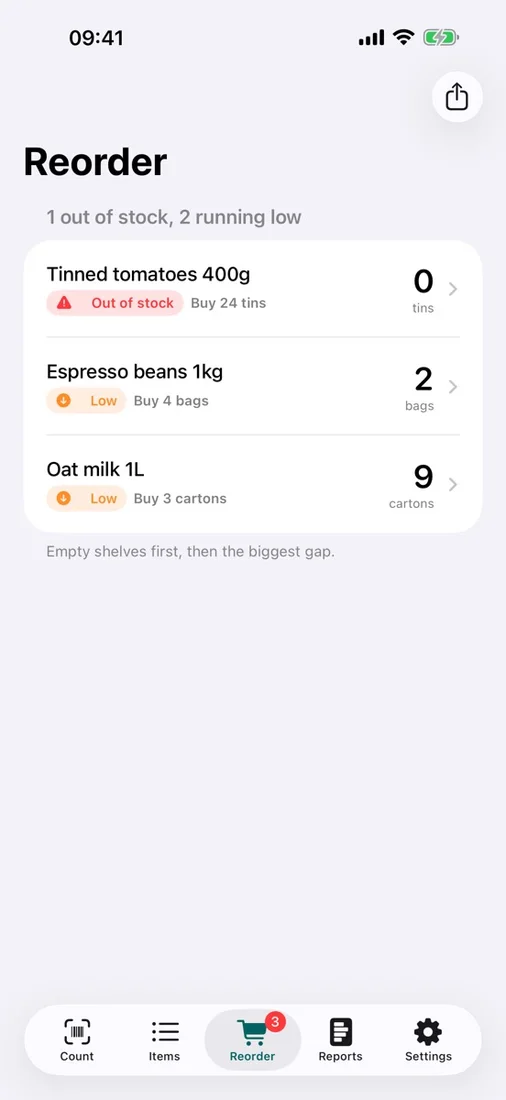
Focused reorder list
Set a reorder point for each item and see low and out-of-stock products sorted by what needs attention first.
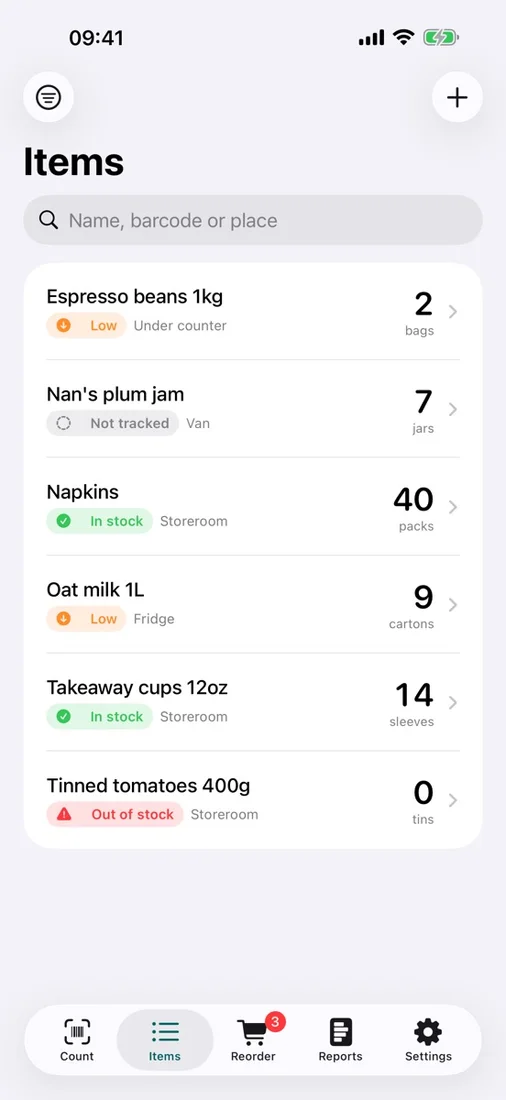
Simple product catalogue
Add products with or without barcodes and store a name, count, reorder point, location, and notes without setting up suppliers or warehouses.
Stock reports and freshness
Review current stock, count freshness, and items worth counting again, with optional local reminders when something needs restocking.
Flexible CSV exports
Export the full catalogue, the reorder list, or the current filtered view as CSV whenever you choose.
Questions
- What kinds of stock changes can Shelfcount record?
- Use Count for a stocktake, Receive for deliveries, or Remove for stock that was sold, used, or discarded. You can undo the most recent scan if needed.
- Do products need a barcode?
- No. Shelfcount can scan common retail and internal barcodes, accept a code entered manually, or store products without a barcode.
- Can Shelfcount tell me what to reorder?
- Yes. Set an item’s reorder point to create a focused list of low and out-of-stock products, with optional local reminders when restocking needs attention.
- Where is my inventory data stored?
- Your catalogue and counts stay in the app on your device. Shelfcount has no account, server, advertising, analytics, or tracking, and camera frames are processed on-device.