StampJar app icon

StampJar

Private digital loyalty cards

Replace paper punch cards with loyalty cards customers can keep as a picture or PDF.

Download on the App Store
?

The Problem

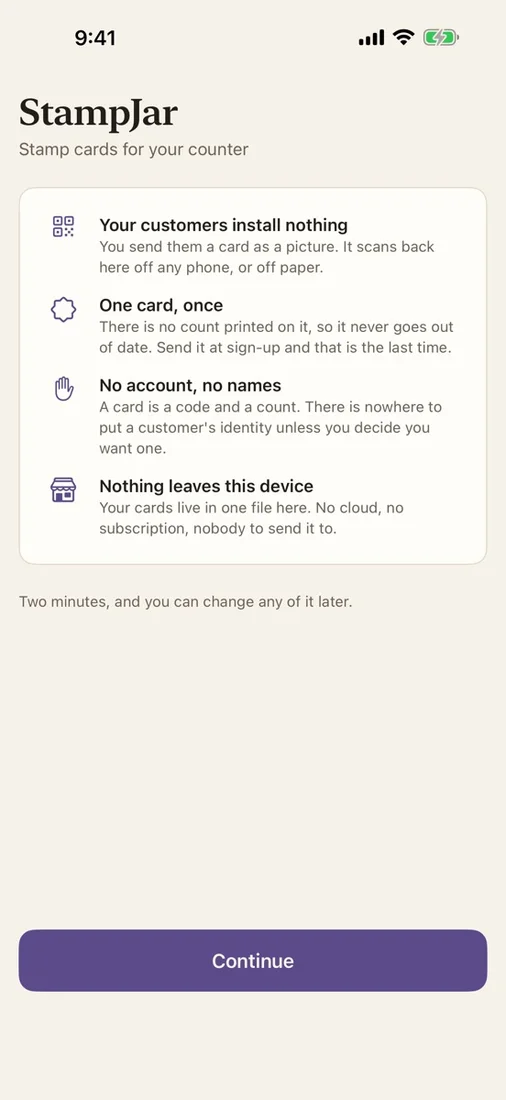
Paper loyalty cards are easy to lose and hard for a shop to track, while many digital programs ask customers to install another app, create an account, or hand over contact details before they can participate.

The Solution

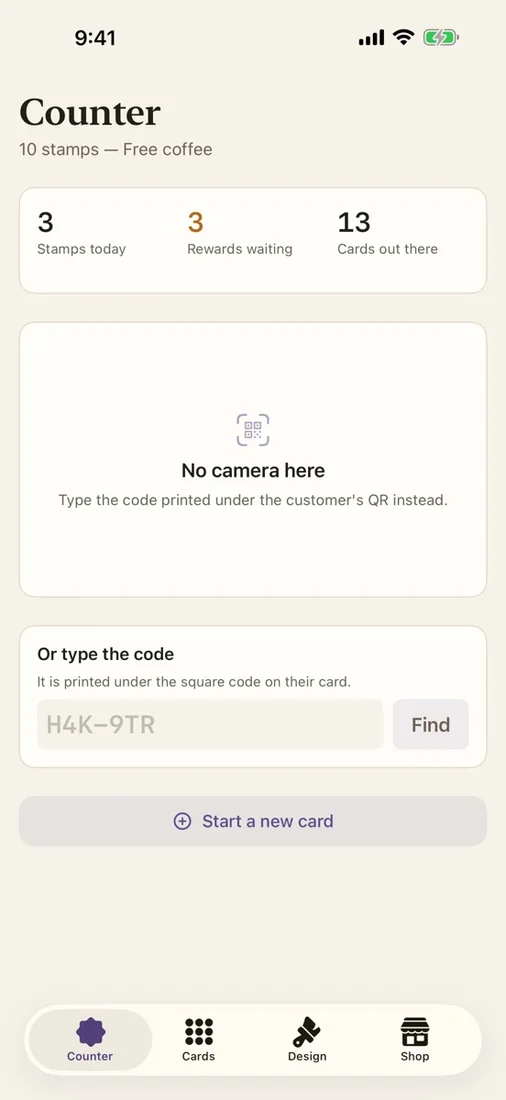
StampJar keeps the entire loyalty program at the counter. Create a branded card in seconds, share or print it using tools already on your device, then scan its QR code whenever a customer returns to add stamps and record rewards.

What you get

Issue cards in seconds

Create a signed loyalty card with a QR code, then scan it later or enter its six-character code at the counter.

Simple stamp and reward ledger

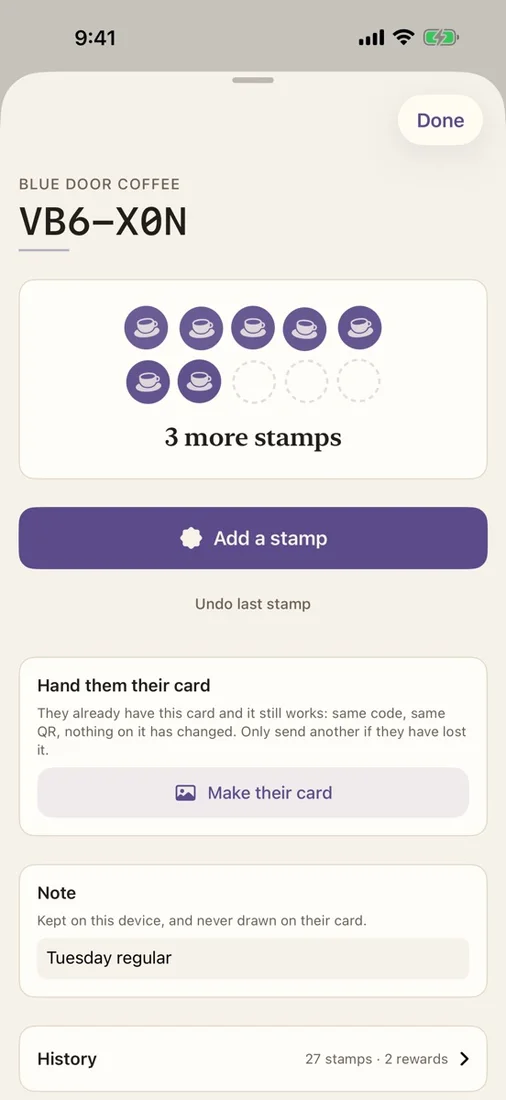
Add stamps, correct the latest stamp, record rewards, search active or retired cards, and review daily activity.

Your shop, your design

Set the shop name, reward, and stamp threshold, then choose a palette, logo, stamp mark, tagline, and terms.

Customer-ready sharing

Preview exactly what the customer receives and share the card as a PNG or print-ready PDF through Messages, AirDrop, email, or print.

No customer app required

Customers do not need to install an app, create an account, or provide an email address to keep and use their card.

Private, portable records

Keep card and stamp data locally on the shop device and export the complete ledger as CSV whenever you choose.

Questions

Do customers need to install StampJar?
No. Customers receive a card as a picture or PDF through the sharing options already on your device, and they do not need an account or email address.
How does a shared card stay useful?
The QR code identifies the card, while its current stamp count stays in the shop’s local ledger. Scan the same card on each visit to retrieve the up-to-date record.
Can I correct a stamping mistake?
Yes. StampJar can correct the latest stamp, record rewards, and keep daily activity and reward counts in the ledger.
Where is loyalty data stored?
Card and stamp data stays on your device. StampJar has no account, cloud sync, backend, analytics, advertising, or tracking, and optional customer details are off by default.

Try StampJar

Replace paper punch cards with loyalty cards customers can keep as a picture or PDF.

Download on the App Store