
VenueTally — Venue people counter
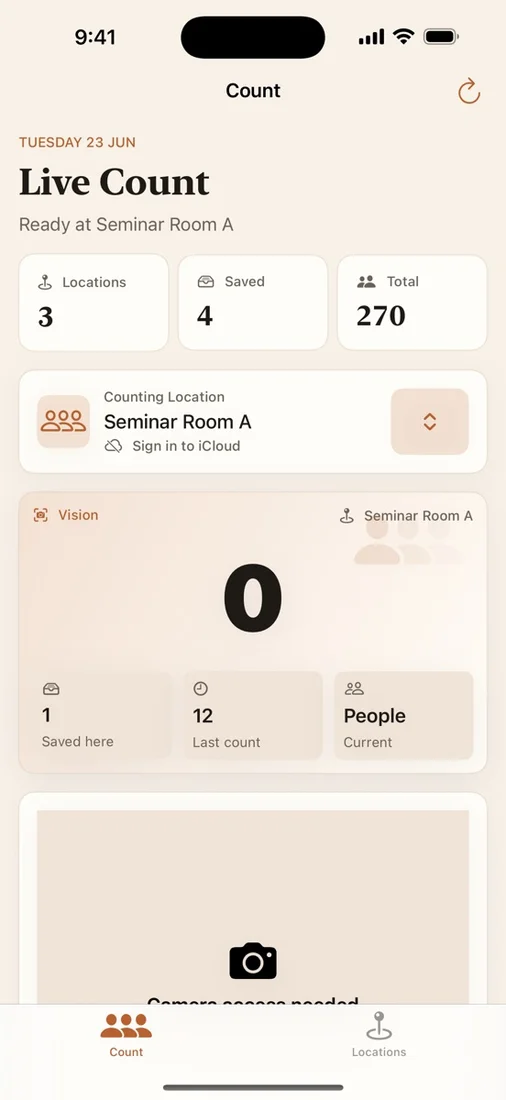
VenueTally is a professional utility for recording people counts by location. It supports fast manual counting, camera-assisted Vision counting, saved counting history, and private CloudKit sync across your Apple devices.
Download the app ↓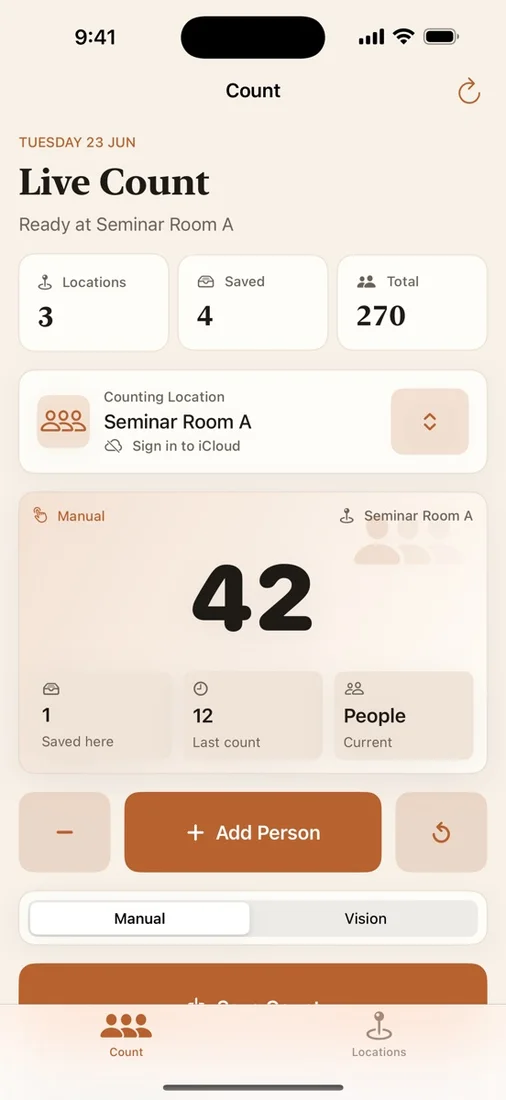
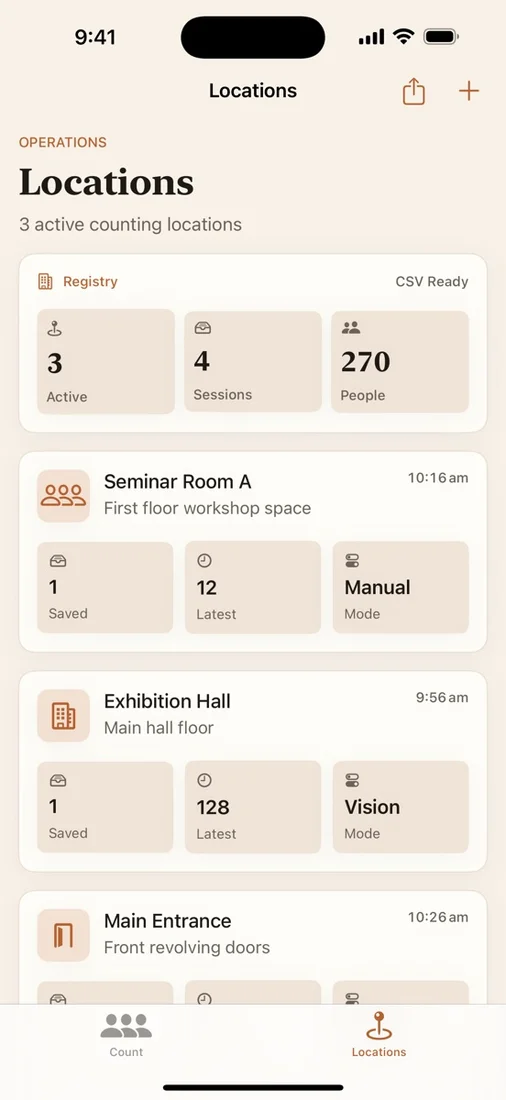
No account. Private iCloud sync. Pay once.


Questions
Does VenueTally require an internet connection?
No. You can count and save sessions fully offline. Counts sync through iCloud when connectivity is available.
Where is my data stored?
On your device and in your own private iCloud (CloudKit). There is no backend, no account, and no third-party access to your data.
How does the camera counting work?
VenueTally uses Apple's on-device Vision framework to detect people in the camera frame. All processing happens locally — no images or data leave your device.
Works with
Independent apps from Auralitho for the other jobs on your list.


Try VenueTally
Fast, private people counting — tap, point your camera, and sync across devices.